---
title: "Quick Box Setup"
description: "Set up a box by selecting pictures instead of filling in a long list of values."
url: "https://cad.packative.one/help/guide/easy-configuration/"
language: "en"
---
# Quick Box Setup
**Easy configuration** lets you set up a box by selecting pictures. You select a box,
type its size, and select each closure from a row of picture cards.
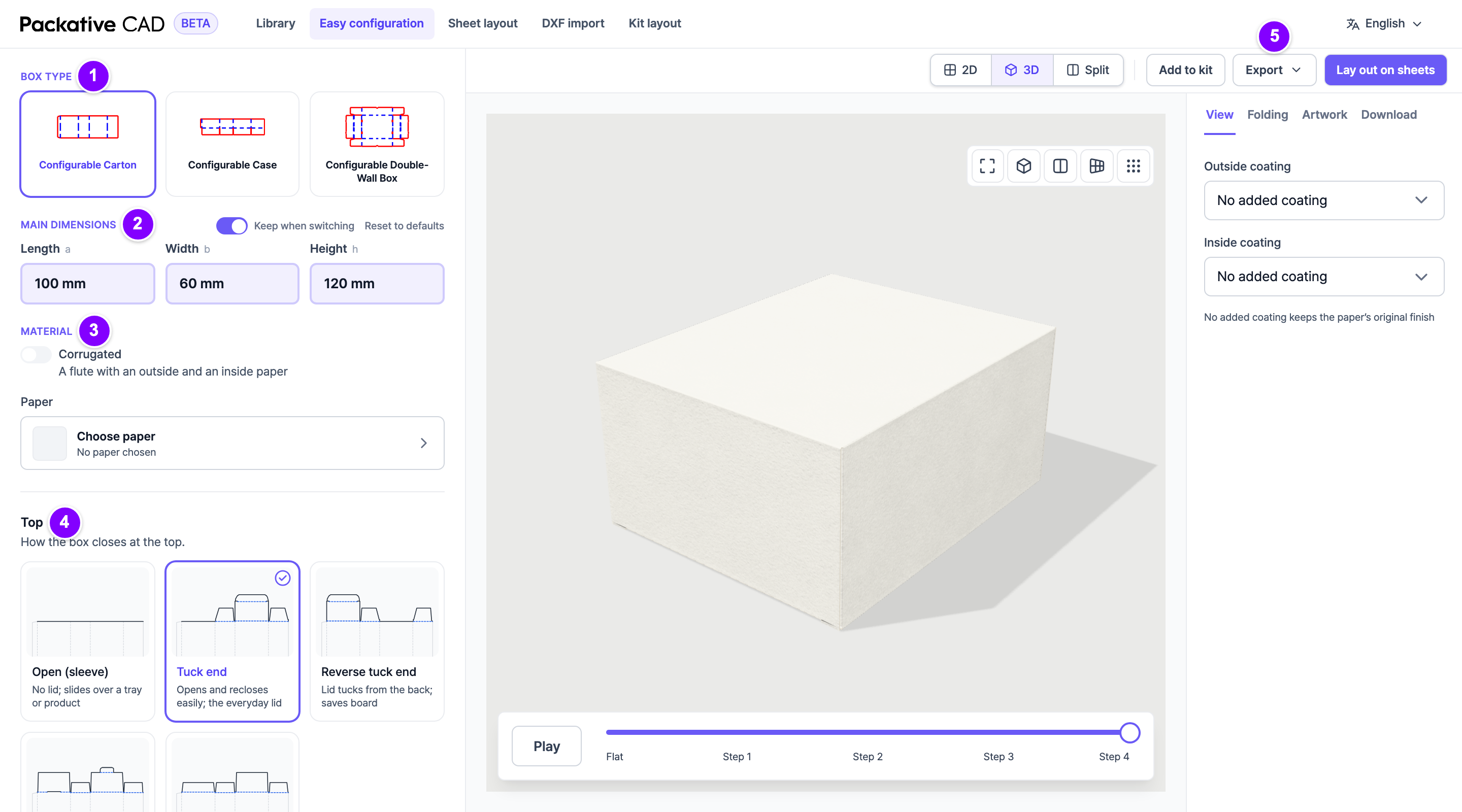
Easy configuration with the side panel of choices next to the box. The numbers match the steps below.
## Steps
1. 1 Under **Box type**, select one of the three boxes.
2. 2 Under **Main dimensions**, type the **Length**, **Width** and **Height**.
3. 3 Under **Material**, select the board or paper.
4. 4 In each group of picture cards, for example **Top**, select the option you want. The drawing updates.
5. 5 Select **Export** at the top right to download the dieline, or **Lay out on sheets** to fit it on a
sheet.
## The Three Boxes
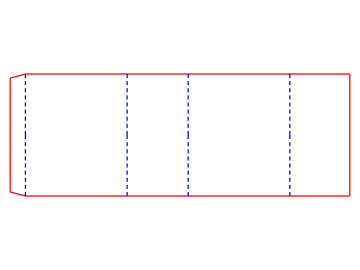
Configurable Carton: a carton with many top and bottom styles
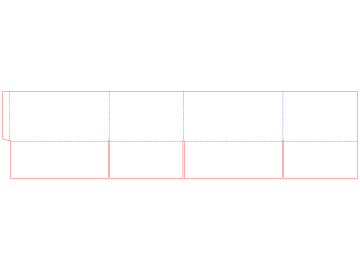
Configurable Case: a corrugated shipping box
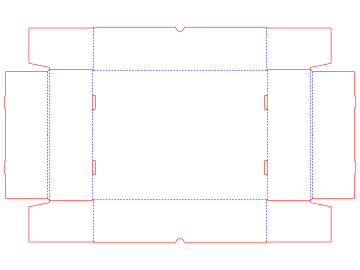
Configurable Double-Wall Box: trays and mailers with double walls
## Good to Know
- A group of cards shows only when it changes the drawing.
- **Reset to defaults** brings back the box's start values.
- If you switch the box type, your length, width and height stay.
- ++enter++ moves from **Length** to **Width** to **Height**; ++shift+enter++ goes back.
- The same three boxes are in the [library](https://cad.packative.one/help/guide/library/), where you see every setting.