Packative CAD · Help
Make a Box Dieline in Minutes
Select a box style, type its size and select the board. Packative CAD draws the dieline for you: the flat drawing of your box, with lines for cutting and folding. You can see it in 3D and download it for print.
What Do You Want to Do?
Find a Box Style
Search the library by name, code or shape.
Quick Box Setup
Select a box, its size and closures from pictures.
Set Your Box Size
Type the length, width and height. The dieline follows.
See Your Box in 3D
Fold the box on screen and show it to a customer.
Download Files for Print
Get a PDF, DXF or Illustrator file for your die maker or printer.
Fit Boxes on a Sheet
See how many boxes fit on each sheet size.
Manage Your Sheet Sizes
Keep the press sheets you print on, ready to pick.
Use Your Own Dieline File
Open a DXF file you already have.
A Few Box Styles
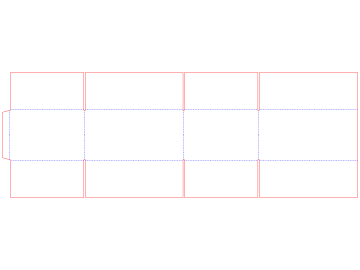
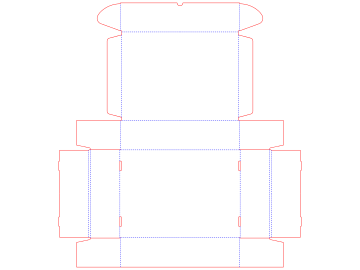
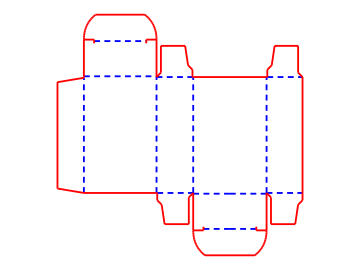
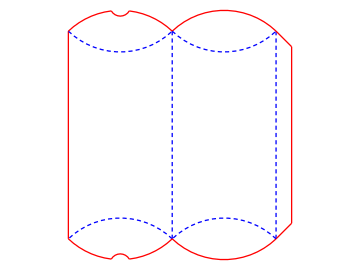
Find more in Find a Box Style.