Find a Box Style
The Library holds ready-made box styles. You find the one that fits your product here, then set its size in the next step.
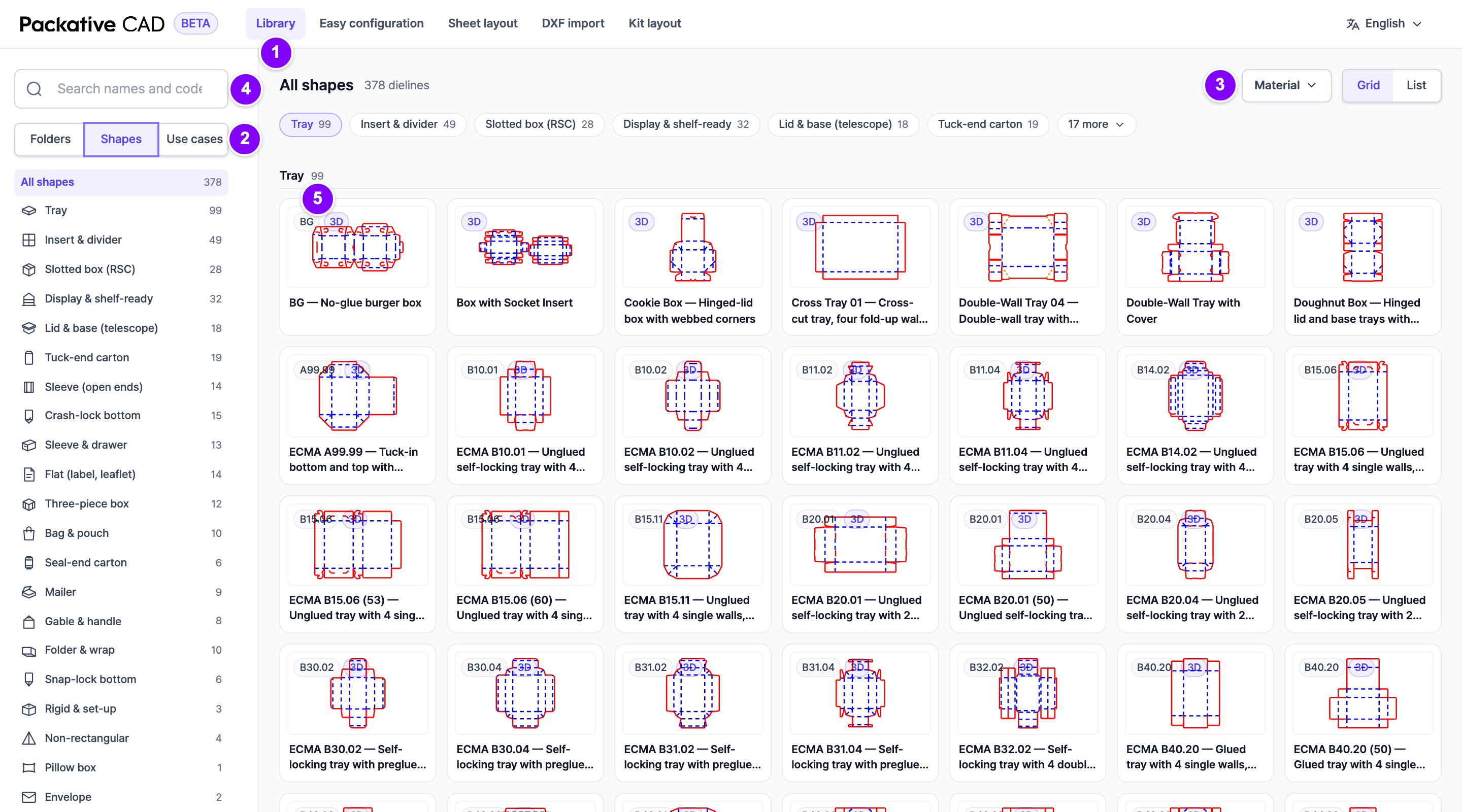
Find and Open a Box Style
- 1 Open Library in the bar at the top.
- 2 Below the search box, select how you want to look:
- Shapes: by the kind of box, for example Mailer or Tuck-end carton.
- Use cases: by what the box is for, for example Food & takeaway.
- Folders: by the industry's standard codes.
- 3 Optional: in Material at the top right, select the material you want, for example Corrugated board or Folding carton.
- 4 Or type a name or code in the search box at the top left, for example
maileror0201. - 5 Select a card to open the box style. Next, set your box size.
Good to Know
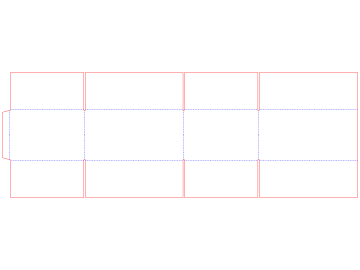
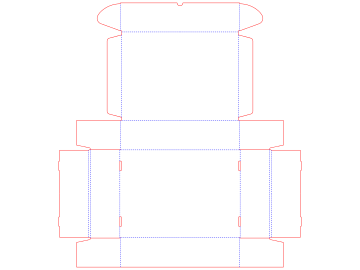
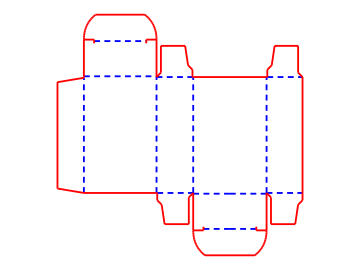
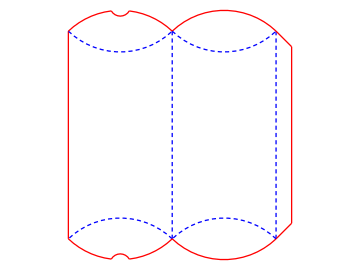
- Each card shows a small picture of the box style, its name and its code.
- A 3D tag means you can see the box folded in 3D.
- Clear filters and Clear search show all box styles again.
- A box style that fits no group is under Others.
Try a similar box style
You do not need to go back to the Library. In the box style's panel, select its title to switch to another one, or open the Related tab. Your length, width and height stay the same.